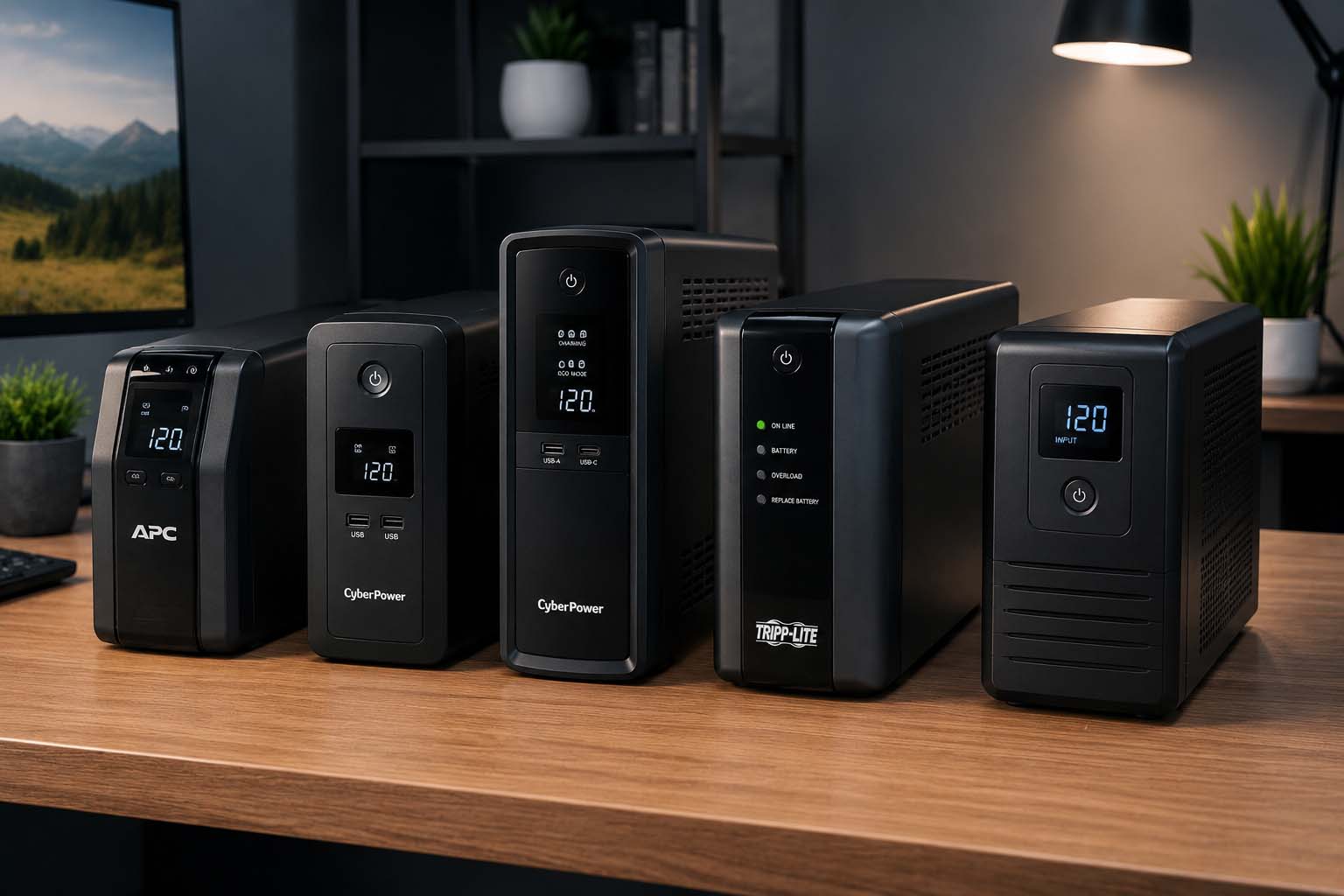
Best Uninterruptible Power Supply (UPS) 2026
A power outage lasting 30 seconds can corrupt files, damage hardware, and knock your router offline mid-call. A UPS buys you time — enough to save your work, shut down cleanly, or ride out a short outage entirely. But with options ranging from $50 to $250, choosing the right one isn’t obvious.
We reviewed five of the top-rated UPS units available on Amazon in 2026, comparing real battery runtime, output quality, warranty terms, and long-term value. Here’s everything you need to know before buying.
Top 5 UPS Units at a Glance
| Product | Rating | Price |
|---|---|---|
| GOLDENMATE 1000VA/800W Lithium UPS TOP PICK | ★★★★★ | Check Price |
| Anker SOLIX C300 Portable Power Station | ★★★★★ | Check Price |
| CyberPower EC850LCD Ecologic UPS | ★★★★☆ | Check Price |
| AmazonBasics 800VA/450W UPS BUDGET | ★★★☆☆ | Check Price |
| Anker SOLIX C300 DC (No AC outlets) | ★★★★☆ | Check Price |
GOLDENMATE 1000VA/800W Lithium UPS
The GOLDENMATE stands apart from every other UPS on this list for one reason: its LiFePO4 (lithium iron phosphate) battery. While every competitor uses traditional lead-acid chemistry that typically fails within 2–3 years, GOLDENMATE’s battery is rated for over 5,000 charge cycles and a 10-year lifespan. Over a decade, this makes it significantly cheaper to own despite the higher upfront cost.
In real-world testing at ~435W load (gaming PC with two monitors), reviewers measured approximately 28 minutes of runtime — right in line with the manufacturer’s claimed 30 minutes at 400W. At lighter loads typical of a home office setup (router + NAS at ~20W), the same unit ran for over 2.5 hours with barely a dent in the battery.
All 8 outlets provide both surge protection and battery backup — unlike most UPS units where only half the outlets have battery support. The pure sine wave output ensures compatibility with sensitive electronics including Active PFC power supplies, which cheaper UPS units with simulated sine wave output can damage. The updated cooling fan operates below 50dB and only activates under heavy load.
Pros
- 10-year LiFePO4 battery — no replacement needed
- Pure sine wave — safe for all electronics
- All 8 outlets have battery backup
- 5-year warranty (industry-leading)
- 20% lighter than lead-acid competitors
Cons
- Battery not user-replaceable
- Fan can be loud under heavy load
- Higher upfront cost than lead-acid units
Anker SOLIX C300 Portable Power Station
The Anker SOLIX C300 blurs the line between UPS and portable power station in a way nothing else on this list does. At home it functions as a proper UPS with under 10ms switchover time — fast enough to protect sensitive electronics. On the road it becomes a solar generator you can charge a laptop 3–4 times or a phone 20+ times.
The 140W two-way USB-C charging is a genuine standout: the station recharges to 80% in just 50 minutes via wall outlet, and can simultaneously charge your MacBook or high-end laptop at full speed through the same port. Tested at 25dB operation — quieter than a whisper — it’s the only unit here you’d comfortably leave running overnight in a bedroom.
Four charging inputs (wall, solar up to 100W, USB-C PD, 12V car) give it flexibility no traditional UPS can match. The built-in LED light with SOS mode is a practical bonus during blackouts. App control via Wi-Fi or Bluetooth lets you monitor battery status and set charging schedules from your phone.
Pros
- Works as UPS and portable power station
- 140W USB-C fast charging (in and out)
- Near-silent at 25dB
- Solar compatible — off-grid capable
- App control via Wi-Fi & Bluetooth
Cons
- Shoulder strap sold separately ($30)
- 300W limit — not for high-draw desktops
- Requires 140W adapter for fast recharge (not included)
CyberPower EC850LCD Ecologic UPS
The CyberPower EC850LCD has earned its place as a perennial home office recommendation for good reason: 12 outlets at under $120, an informative LCD display, and an ECO mode that actually saves money on electricity. When your PC enters sleep mode, the ECO-controlled outlets automatically cut power to peripherals like monitors, speakers, and phone chargers — eliminating phantom loads that silently inflate your electric bill.
CyberPower claims ECO mode can save up to $40 per year, which means the unit partially pays for itself over time. The multifunction LCD shows input/output voltage, battery capacity, load percentage, and runtime estimate in real time — more information than most UPS units at this price provide.
The 3-year warranty includes battery replacement, which is notable — most competitors cover batteries for only 1 year. The $100,000 Connected Equipment Guarantee provides additional peace of mind for protecting expensive electronics.
Pros
- 12 outlets — most on this list
- ECO mode reduces electricity bill
- Detailed multifunction LCD display
- 3-year warranty including battery
- $100,000 equipment protection guarantee
Cons
- Only 6 of 12 outlets are battery-backed
- Simulated sine wave — not ideal for Active PFC PSUs
- Lead-acid battery needs replacement every 2–3 years
- Mixed user reviews on long-term reliability
AmazonBasics 800VA/450W Standby UPS
The AmazonBasics 800VA UPS is manufactured by CyberPower and carries an ENERGY STAR certification with a tested efficiency of 98.8% — better than many units costing twice as much. For users who need basic battery backup for a router, modem, NAS, or simple desktop without spending over $100, it covers the essentials reliably.
At a 200W load (mid-range computer setup), expect roughly 10 minutes of runtime — enough to save work and shut down properly. At 400W the runtime drops to approximately 3 minutes, which may not be sufficient for high-power systems. Know your load before buying.
The compact form factor integrates cleanly into any home or office environment, and the 12 outlets (6 battery-backed) handle a full desk setup. One notable limitation: if the battery drains completely during an outage, the unit will not restart automatically when power returns — you’ll need to manually power it on.
Pros
- Most affordable option on this list
- ENERGY STAR certified (98.8% efficiency)
- 12 outlets in a compact body
- Reliable for basic networking & light desktop use
Cons
- No auto-restart after battery drain
- No LCD display
- Short runtime at high loads (3 min at 400W)
- No ECO mode or advanced features
Anker SOLIX C300 DC (USB-C / No AC)
The Anker SOLIX C300 DC is the USB-C-first version of the C300 family — designed for users who charge everything via USB-C (laptops, cameras, drones, phones) and don’t need traditional AC wall outlets. At 6.2 lbs it’s noticeably lighter than the AC version and comes with a built-in pop-up LED light that makes it practical for travel and blackouts alike.
Two 140W USB-C ports can simultaneously fast-charge a 16-inch MacBook Pro to 50% in about 40 minutes. The 288Wh battery can recharge a modern smartphone over 19 times or a laptop 3–4 times. For remote workers, photographers, and digital nomads who rely entirely on USB-C powered gear, this is the most efficient option available.
Important caveat: this unit has no AC outlets. If any of your devices require a standard wall plug, you’ll need the full SOLIX C300 (AC version) instead. The DC version compensates by being cheaper and lighter, and adding the pop-up ambient light the AC version lacks.
Pros
- Lighter than AC version at 6.2 lbs
- 4 USB-C ports (2× 140W)
- Built-in pop-up LED light
- Solar compatible up to 100W
- Lower price than AC version
Cons
- No AC outlets — USB-C devices only
- 140W adapter not included for fast recharge
- Shoulder strap sold separately
How to Choose the Right UPS: Buyer’s Guide
Before buying, understand the four specs that actually determine whether a UPS will protect your equipment:
⚡ VA vs. Watts
VA (volt-amperes) is always higher than watts. Use the wattage number to calculate runtime. Add up the wattage of everything you want to protect, then keep total load under 80% of the UPS wattage rating.
🔌 Sine Wave Output
Pure sine wave is essential for Active PFC power supplies (most modern gaming PCs and workstations). Simulated sine wave UPS units can cause instability or damage with these PSUs. Check your PSU specs before buying.
🔋 Battery Type
Lead-acid batteries last 2–3 years and cost $20–50 to replace. LiFePO4 lithium batteries last 10+ years and require zero maintenance. For long-term value, lithium wins significantly.
⏱ Runtime Needs
For safe shutdown: 5–10 minutes is enough. To ride out typical outages: 20–30 minutes. For working through extended outages: consider a portable power station over a traditional UPS.
🔌 Battery Outlets
Not all outlets on a UPS are battery-backed. A “12-outlet UPS” often has only 6 outlets with battery support. Connect your critical devices (PC, monitor, router) to battery-backed outlets only.
💻 What to Protect
Priority order: desktop PC + monitor (most critical), networking gear (router/modem), NAS drives. Never connect laser printers, space heaters, or vacuums to UPS outlets — they overload the unit.
Frequently Asked Questions
What is the best UPS for a home office in 2026?
The GOLDENMATE 1000VA/800W Lithium UPS is the best home office UPS in 2026. Its LiFePO4 battery eliminates the replacement cycle that makes traditional UPS units expensive to maintain, the pure sine wave output protects all electronics, and all 8 outlets carry battery backup. For budget-conscious buyers, the CyberPower EC850LCD covers a full desktop setup at under $120.
How long will a UPS keep my computer running during a power outage?
It depends on your load. A typical home office setup (desktop PC + monitor + router drawing ~200W) gets roughly 10 minutes from an 800VA lead-acid UPS. The GOLDENMATE at 400W load provides approximately 28–30 minutes. For extended runtime during long outages, a portable power station like the Anker SOLIX C300 is a better choice than a traditional UPS.
Do I need a pure sine wave UPS?
Yes, if your computer has an Active PFC power supply — which includes most modern gaming PCs, workstations, and many laptops. Simulated sine wave output from budget UPS units can cause Active PFC supplies to behave erratically or shut down during an outage. When in doubt, check your PSU’s specifications. Pure sine wave units like the GOLDENMATE work with everything.
How often does a UPS battery need to be replaced?
Traditional lead-acid UPS batteries typically last 2–3 years under normal use and cost $20–50 to replace. LiFePO4 lithium batteries (used in the GOLDENMATE and both Anker SOLIX units) are rated for 3,000–5,000 charge cycles with a 10-year lifespan. If you keep a UPS for more than 3 years, lithium is almost always cheaper in total cost of ownership.
What’s the difference between a UPS and a portable power station?
A traditional UPS is designed to stay plugged in at all times, switch to battery in milliseconds during an outage, and provide 5–30 minutes of runtime for a clean shutdown. A portable power station (like the Anker SOLIX C300) is designed for portability and longer runtime but may have a slightly slower switchover time. Some modern portable stations like the SOLIX C300 now offer under 10ms switchover, making them viable as both UPS and portable backup.
Final Verdict
For 2026, the GOLDENMATE 1000VA/800W Lithium UPS is the best overall choice — its 10-year LiFePO4 battery, pure sine wave output, and 5-year warranty make it the most cost-effective long-term investment. Users who need both home backup and portable power should choose the Anker SOLIX C300. For a full desktop with 12 outlets on a traditional budget, the CyberPower EC850LCD remains a solid pick with its ECO mode savings. The AmazonBasics 800VA covers basic router and networking protection for under $60. And for USB-C-first users, the Anker SOLIX C300 DC delivers the most efficient laptop and device backup available.
Whatever you choose, prioritize units with at least 6 battery-backed outlets, check that your load stays under 80% of rated wattage, and verify pure sine wave compatibility if you have a modern gaming PC or workstation.